

 By
By Introduction
There’s something special about opening a new planner, hoping that notions contents will finally be the one that helps me stay organized, focused, and creatively fulfilled. But for years, I abandoned those planners halfway through or worse, after a week. After receiving an adult ADHD diagnosis, my brain requires more than just calendars and color-coded to-do lists. I need flexibility, dopamine, and a system that adapts to me, not the other way around.
In 2022, I found Notion. In 2023, I tried using it. In 2024, I understood it. And now in 2025, Notion has become a digital sanctuary for my thoughts, tasks, ideas, and goals. It doesn’t just help me manage my life, it lets me design it.
What Is Notion?
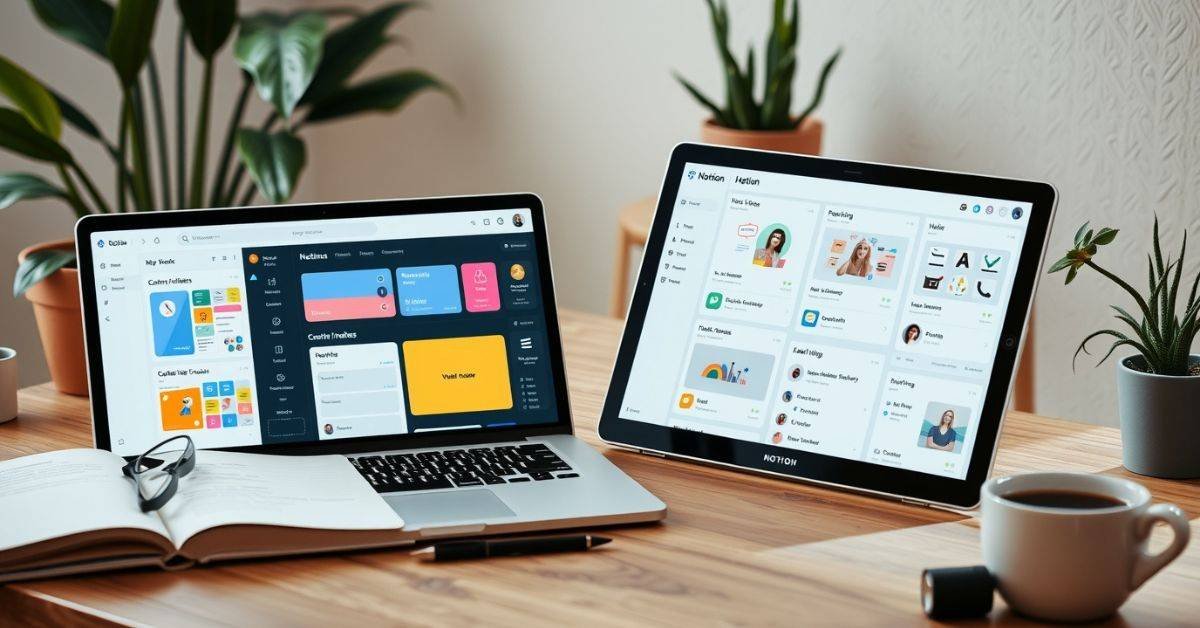
Notion is a customizable connected workspace where you can build everything from to-do lists and project trackers to habit journals and personal wikis. It blends structure and freedom in a way that allows me not my productivity app to take the lead.
Notion functions fundamentally by utilizing rearranged “blocks” and “databases” to align with your unique thinking style. Whether you’re a freelancer tracking client projects, a student taking research notes, or someone with 13 half-finished creative ideas floating around in your head you can create a system that works with your rhythm, not against it.
Since getting started with Notion, I’ve been able to:
- Avoid task overload with collapsible views and filtered dashboards
- Track mental energy through color codes
- Store creative sparks before they vanish
- I really enjoy managing my life and brain.
How Notion Helps Me Navigate ADHD
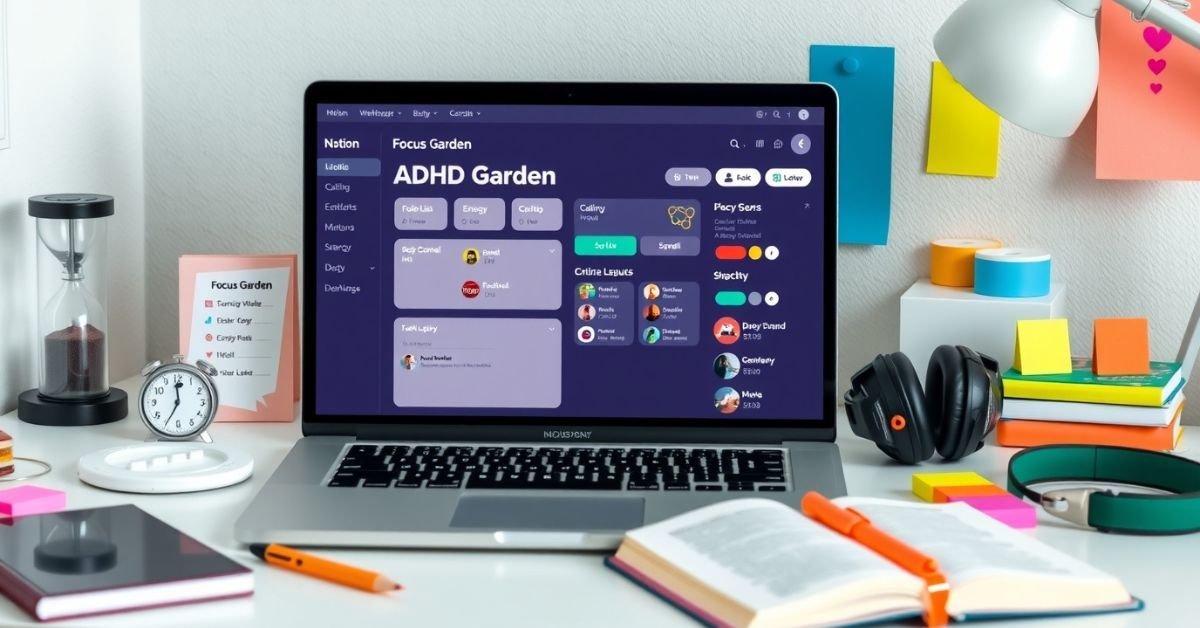
ADHD isn’t just about forgetting things, it’s about overwhelm, inconsistent focus, and a chaotic relationship with time. With Notion, I created a digital environment that feels calming, playful, and intuitive.
Here’s a look at how I’ve adapted Notion for my ADHD:
Notion Features That Support My ADHD Workflow
| Feature | How It Helps My ADHD Brain |
| Toggle blocks & filters | Reduces visual clutter—only see what I need now |
| Color-coded tags for energy levels | Match tasks to focus capacity (e.g., green = easy) |
| Linked databases | Keeps everything in one place, prevents info scatter |
| AI summaries & reminders | Takes the pressure off remembering everything |
| GIFs and calming themes | Boosts dopamine and makes dashboards feel relaxing |
I even have a page called the “Focus Garden,” which contains my top 3 priorities of the day, soothing nature GIFs, and a log of any task I’ve completed so I can see my progress building up throughout the week.
Designing My “Life OS” Dashboard
Notions can be overwhelming at first if you try to do too much. The key (especially for neurodivergent folks) is starting small with a system that grows with you.
After years of tweaking, I built a “Life OS” dashboard with four major hubs:
- Work & Projects: Tasks brokendown into smaller steps, timelines, and, client deliverables
- Wellness & Self-Care: Journals, therapyinsights, and, mood logs
- Creative Sandbox: Idea dump for writing, art, and website brainstorming
- Personal Growth Hub: Core values, goals, habits, life vision
Here’s how it looks at a glance:
My Life OS Dashboard in Notion
| Hub | Key Pages Inside | Purpose |
| Work & Projects | Weekly Planner, Task Board, Meeting Notes | Plan tasks with deadlines and link resources |
| Wellness & Self-Care | Mood Tracker, Gratitude Log, Journal Prompts | Mental check-ins and emotional awareness |
| Creative Sandbox | Idea Vault, Blog Calendar, Inspiration board | Capture fleeting ideas and organize them later |
| Personal Growth Hub | Goal Tracker, Reading List, Vision Board | Self-reflection and future planning |
Each of these hubs is linked together with dynamic filters, making weekly planning feel less like chaos and more like choreography.
Capturing Creative Ideas Before They Disappear
My brain is a constant stream of ideas, some half-baked, others pretty brilliant. The challenge isn’t coming up with them, it’s remembering to act on them.
Before Notion, I captured inspiration in a messy mix of notebooks, iPhone Notes, sticky tabs, and emails to myself. Now everything flows into my “Idea Vault,” a central database categorized by type (writing, design, business, personal interest), timestamped, and tagged by priority.
I schedule a “Weekly Idea Review” every Sunday, which auto-links into my calendar so I intentionally reconnect with my creative spark rather than just react to deadlines.
Planning That Honors My Mental Energy
Rigid planners and fixed timelines never worked for me. I now use layered planning in Notion to zoom in and out, depending on my bandwidth that day.
How I Layer My Planning in Notion
| Planning Type | View Type | Benefit |
| Daily Focus | Gallery View | Shows 2–3 priority tasks visually |
| Weekly Planning | Kanban Board | Drag & drop tasks across stages |
| Monthly Projects | Gantt Timeline View | Helps see project overlaps clearly |
Each task is assigned an “Effort Level” (Low, Medium, or High), allowing me to build daily to-do lists by how much energy I actually have, not by some artificial sense of urgency.
Templates, Tutorials & Getting Started
Notions can be intimidating especially with ADHD so don’t start by building your entire system from scratch. I used these community templates and gradually made them my own:
- Second Brain (for knowledge capture & long-termstorage).
- GTD Weekly Workflow (adapts the “Getting Things Done” method)
- Creative Project Manager (tracks passion projects from idea to publish)
Pro tip: Use Notion’s AI setup assistant to generate a dashboard based on your habits and goals. It’s surprisingly intuitive in 2025.
If you’re overwhelmed, begin by creating one simple page:
- Try a “daily command center” template
- Add a task list, a place to jot ideas, and one calming image
- Use Notion on your phone, tablet, and desktop. It syncs seamlessly.
What Makes Notions Different and Worth It
The magic of Notion isn’t in its features alone. It’s how those features let you build systems that reflect how your mind moves.
Whether I’m updating my travel notes from the plane, planning a chaotic workweek, or tracking tiny self-care wins, Notion is my digital second brain, always ready to hold what I might lose.
And even more importantly… It gives me back space in my real brain to rest, create, and live.
FAQs
What are notions used for in real life?
They help organize workflows, notes, creative ideas, and daily routines in a customizable interface.
How is Notion beneficial for people with ADHD?
Its visual, flexible structure reduces overwhelm and supports task management with toggles, schedules, and calm dashboards.
Can I use Notions without coding or tech skills?
Yes! Most features are intuitive, and you can use community templates as a base.
What’s the easiest way to start with Notions?
Begin with one dashboard like a daily planner and expand as you explore.
Is Notion free to use?
Yes, the Personal Plan is free and includes nearly all features. Paid plans add more team and AI options.
Conclusion
You don’t need to use Notion the way others do. You don’t need the “perfect” dashboard, 27 widgets, or aesthetic TikTok templates. Start with where you are. Start with what you need. Build from curiosity, not pressure.
If your current system isn’t working, it’s not because you’re lazy or incapable. Maybe you just haven’t found the tool that bends to your way of thinking yet. For me, that tool was Notions. And if it helps your brain feel a little calmer, a little clearer, and a lot more you then that’s already a win.